
Fake chat screenshot generator, free, with no ads
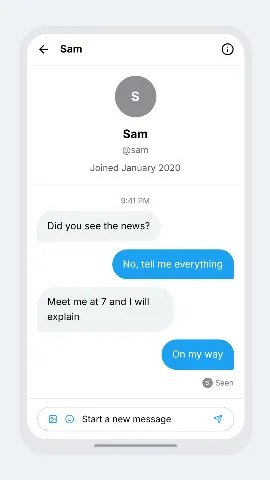
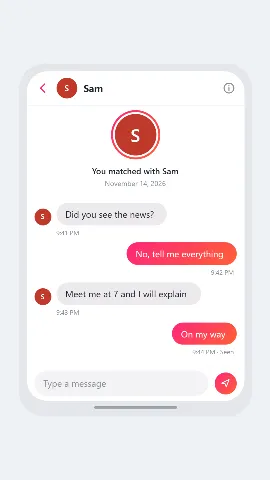
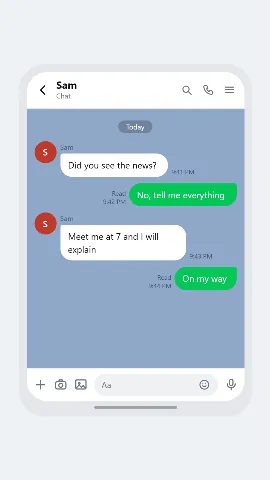
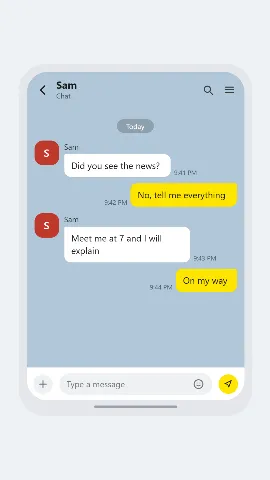
Pick a look, write the messages, click Download PNG. Edit any message in place, add images and emoji, show a phone around it or not. The same chat also becomes a video.
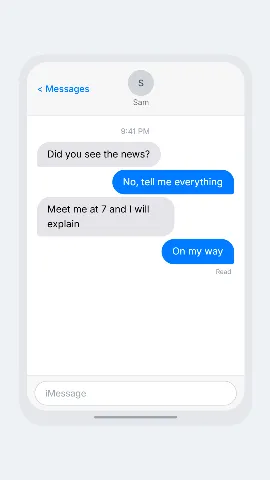
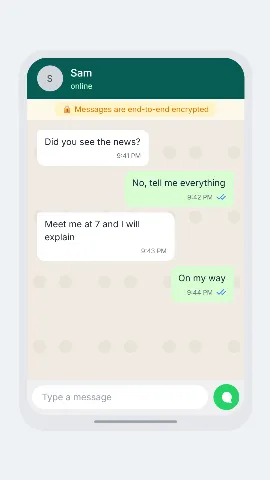
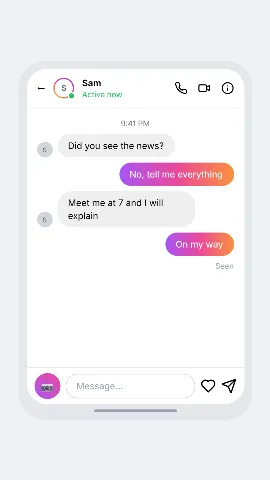
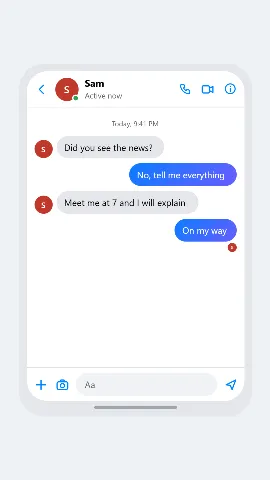
Make a chat screenshotChoose a look
Each one opens the editor on that look.
Why ChatsRat
- No ads, anywhere in the editor.
- One-click PNG download. No screen-capture key.
- Click a message in the preview to edit it in place.
- Hover a message to delete it or move it up or down.
- Phone frame, or narrow or wide with no frame.
- Add pictures from your computer, and emoji.
- Switch who is speaking with the Tab key.
- Also makes video with typing dots, sound and voiceover.
Questions
Is it free?
Yes. You can write the chat and download a PNG for free, with no ads. The free PNG carries a small ChatsRat mark. Paid plans remove it and add video, voiceover and longer chats.
Do I need to take a screenshot myself?
No. Press Download PNG and the picture is saved. There is no need for a screen-capture key.
Which chat looks are there?
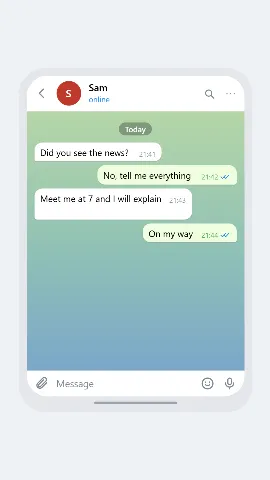
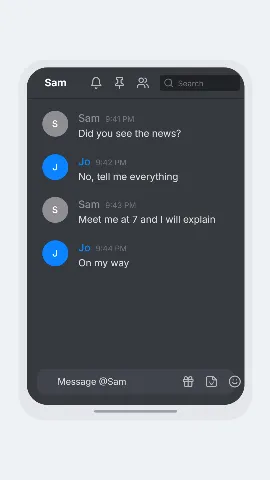
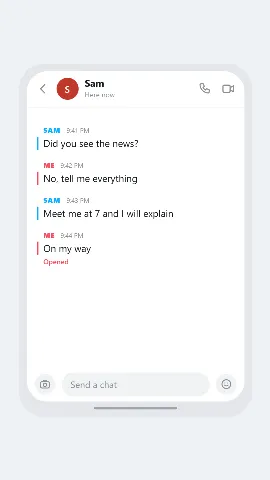
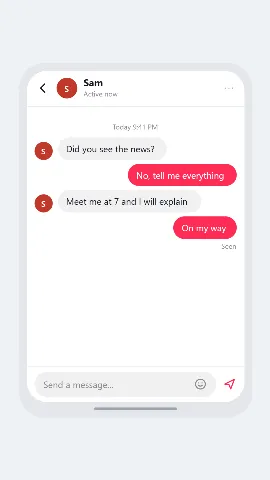
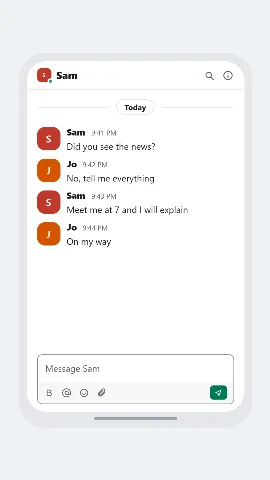
iMessage, WhatsApp, Instagram DM, Messenger, Telegram, Discord, Snapchat, TikTok DM, X DM, Tinder, LINE, KakaoTalk, Slack and more. Each look is drawn in the style of the app it is named after. The names only say which style a look follows. Nothing here is made by, or connected to, those companies.
Can I show a phone around the chat, or not?
Yes. Choose an iPhone frame, an Android frame, a narrow chat with no frame or a wide chat with no frame.
Can I edit a message after I wrote it?
Click it in the preview and type. Hover a message to delete it or move it up or down. You can also add images and emoji, and switch who is speaking with one key.
Can it make a video too?
Yes. The same chat can be exported as a video with typing dots, sound and a voiceover, which is what most people post.
What may I use it for?
Stories, jokes, tutorials, training material and mock-ups that are clearly simulated. Do not use it to pass a made-up conversation off as a real one, to impersonate a real person or to deceive anyone.
Simulated conversations only. ChatsRat is not connected to any of the apps whose chat styles it follows.