
Fake incoming call screen generator
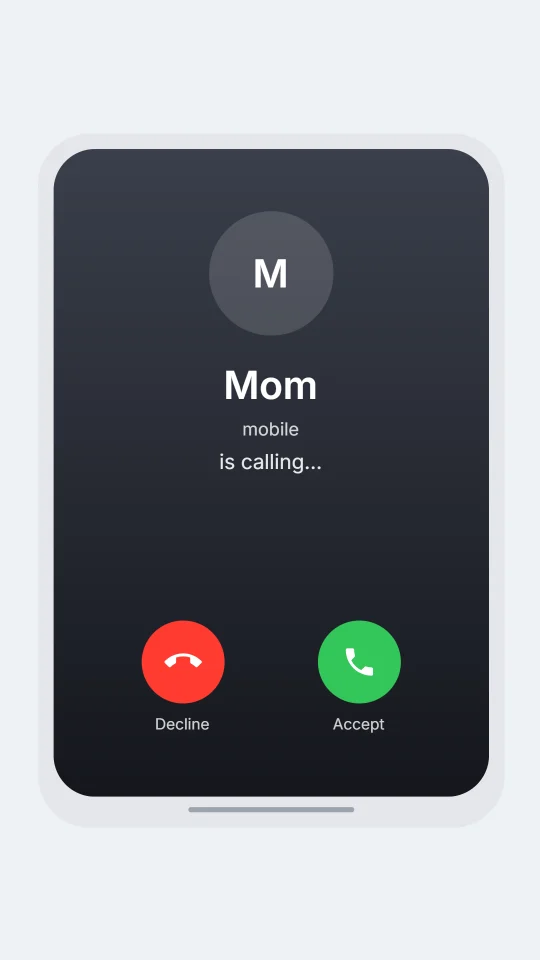
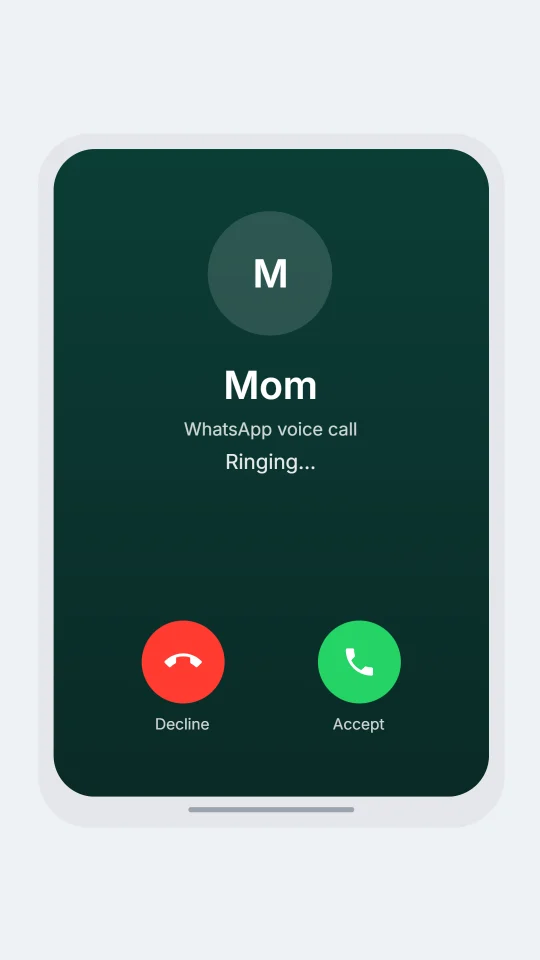
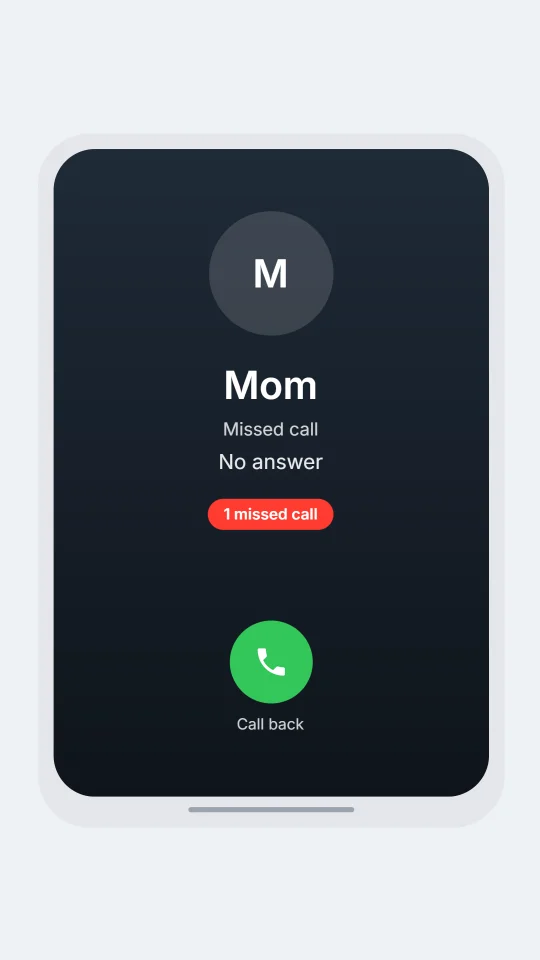
Make a ringing, missed, declined or video call screen for a story, a skit or a tutorial. Free, in your browser, and the call can sit inside a chat video.
How it works
- Open the editor and pick a chat look.
- Write a few messages. In script mode, put one of the lines below on its own line where the call should happen.
- The call screen shows in the preview. Press Download PNG, or export an MP4 video.
[call: Mom]An incoming call, ringing.[call: Mom | missed]A missed call. Also: declined.[facetime: Mom]An incoming video call. Add | missed or | declined the same way.[notify: Ex | you up?]A lock-screen notification. Several in a row stack up.
Questions
Is it free?
Yes. You can build the chat with a call in it and download a picture for free. Video, voiceover and longer chats are on the paid plans.
Which call screens are there?
Ringing, missed, declined and video calls, drawn in three styles: a dark phone style, a green chat-app style and an Android style. The style follows the chat look you pick.
Do these look like a real phone or app?
They are original drawings in the same spirit as a call screen. They use no logos, icons or names from any phone maker or app, and they are not made by or connected to any of them.
Can I put it in a video?
Yes. A call can sit in the middle of a chat. The video shows the messages, then the call screen ringing, then carries on. Pick MP4 in Export to get the video.
What should I not use it for?
Stories, jokes, tutorials and mock-ups that are clearly simulated. Do not use a fake call to deceive anyone, to impersonate a real person, or to claim a call really happened.
Simulated screens only. ChatsRat is not connected to any phone maker or app.