
Fake video call generator
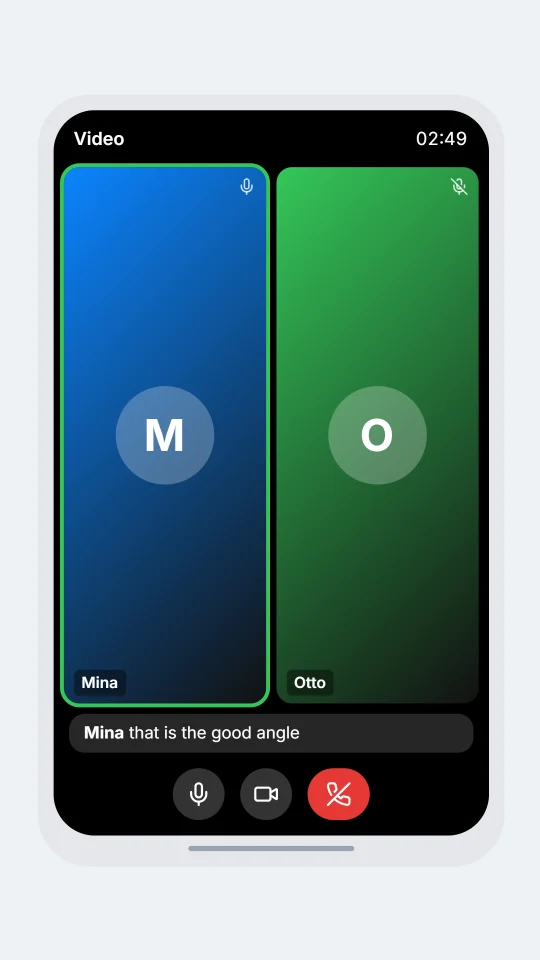
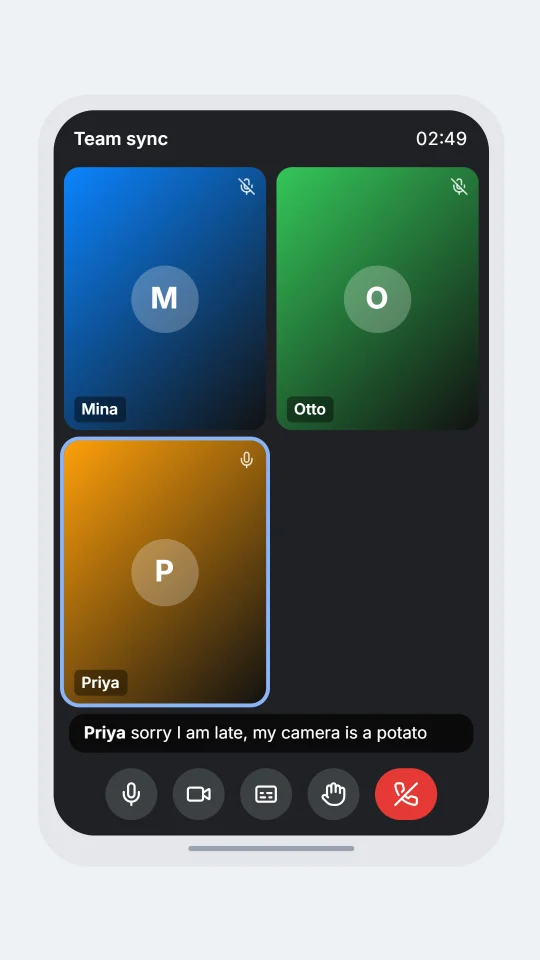
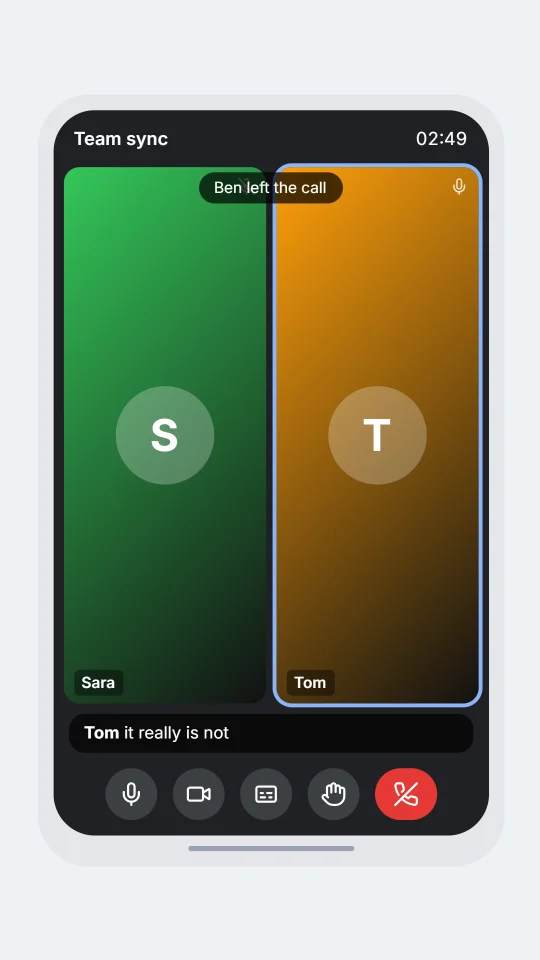
Make a video call screen with tiles, a speaker ring, live captions and join and leave pills. Write the call as a short script and turn it into a picture or a video.
How it works
- Open the editor on the video call look. A short starter call is already there.
- Change the names and the words. Each new name becomes a tile.
- Export a picture or an MP4 video.
The script lines:
[join: Mina]Mina's tile appears and a "joined" pill shows.Mina: can everyone see my screenMina speaks: her tile gets the speaker ring and the words show as a live caption.[leave: Mina]Mina's tile goes and a "left" pill shows.
Questions
Is it free?
You can try the chat looks for free. The video-call looks are on the Standard plan and up, with video export and voiceover on the higher plans.
How many people can be on the call?
As many names as you write. Every new name becomes a tile, and the tiles rearrange as people join and leave.
Do they look like a real app?
They are original drawings of a video call: tiles, a speaker ring, live captions and join and leave pills. They use no logos, icons or names from any app, and are not made by or connected to any of them.
Can I make it a video?
Yes. Pick MP4 in Export. The call plays out line by line, with people joining, speaking and leaving, and you can add a voiceover.
What should I not use it for?
Skits, stories, tutorials and mock-ups that are clearly simulated. Do not use a fake call to deceive anyone, to impersonate a real person, or to claim a meeting really happened.
Simulated screens only. ChatsRat is not connected to any video-call app.