ChatsRat

    Fake Messenger chat generator

    The Messenger look draws a social-network chat with a cool blue to violet gradient on your side, light grey on theirs, bubbles that snap together in runs, a small face beside the last bubble of each run and an Active now line in a white header. Handy for family scenes, group planning stories and marketplace haggling sketches.

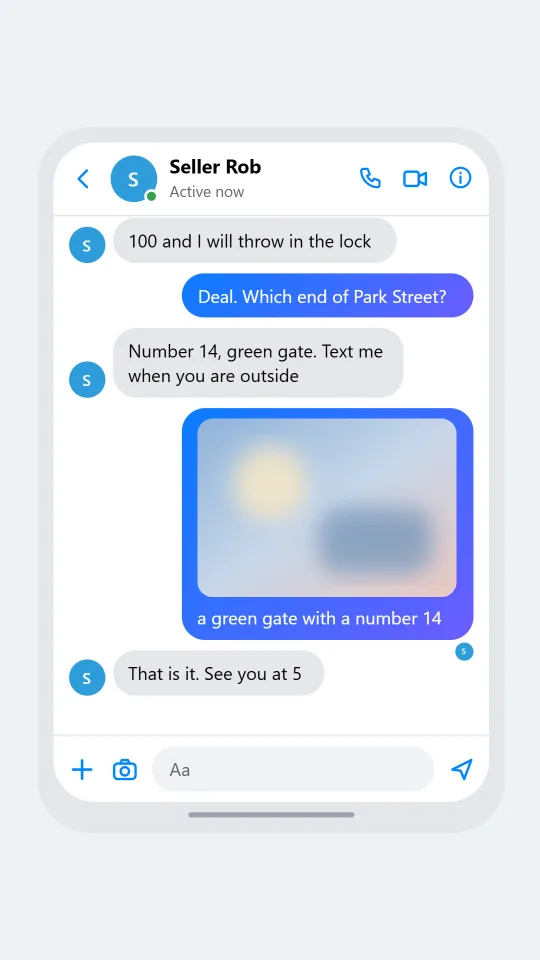
    A Messenger-style chat where a buyer haggles politely over the price of a used blue bicycle
    Is the bike still available
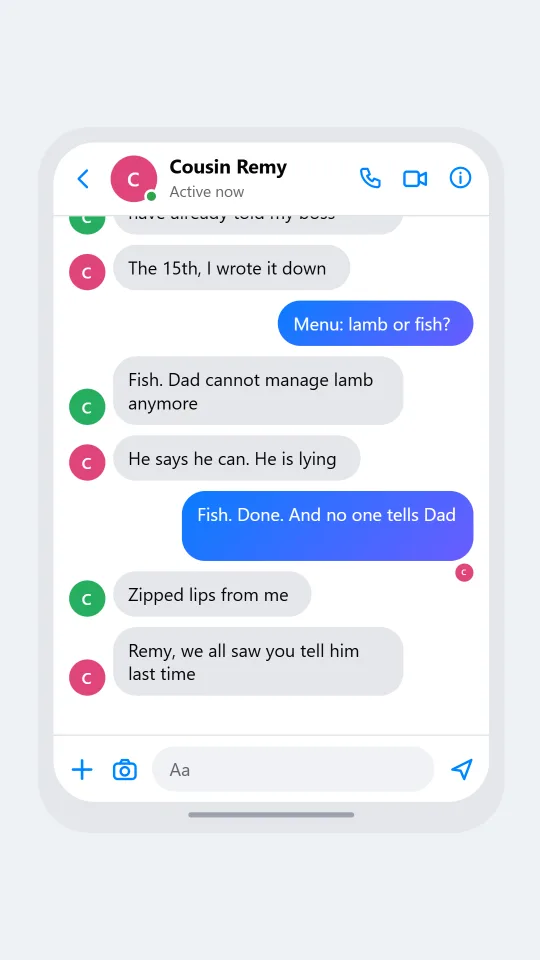
    A Messenger-style group chat where cousins plan a surprise anniversary dinner and argue about the menu
    Cousins plan a surprise
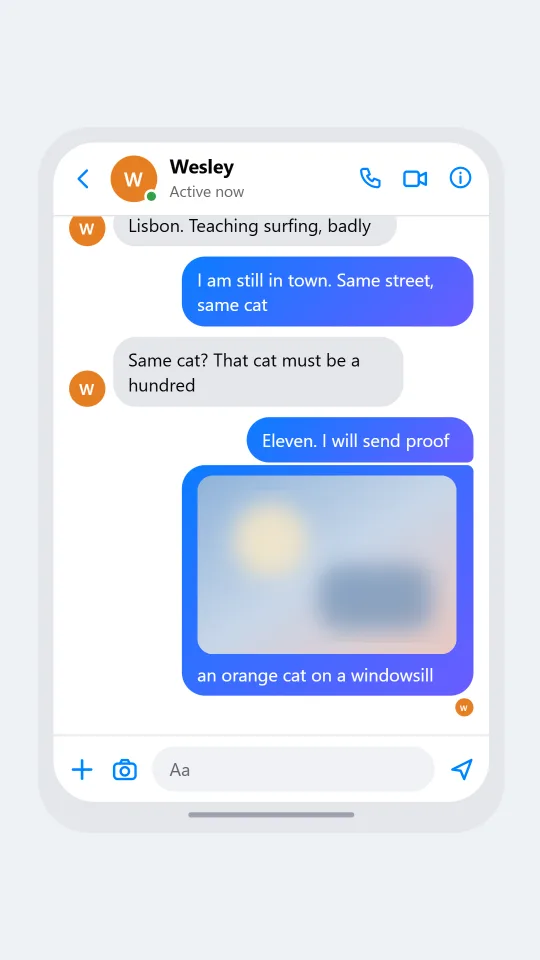
    A Messenger-style chat where an old school friend writes after ten years and the two catch up warmly
    Friend from the old neighbourhood
    Make one now

    Writing a Messenger-style chat that feels right

    This is the chat app of the extended social circle: school friends, cousins abroad, neighbours who only know you through a local selling group. Threads are long and sprawling, with plans made and abandoned, a sticker where a sentence might go, and a seller asking whether an item is still available. People often arrive here from a profile page, so conversations open with a reminder of who they are or a polite question about a listing.

    Recognition comes from shape. Bubbles in a run share tight inner corners and round outer ones, so a burst of three lines looks like one block. The newest bubble of a run on their side gets a small avatar, and under your last read line a miniature version of their face appears instead of a word. That tiny seen face is the quiet star of this style, so keep a scene's last line yours when you want it to show.

    ChatsRat draws every shape itself with original icons. There are no logos and no borrowed artwork, and this page is not affiliated with or endorsed by the company behind the real messenger. Use the result for fiction, interface prototypes, lessons on online safety and humour, where it is obvious the people are invented.

    Three examples to start from

    Is the bike still available

    A seller and a buyer settle on a price for a second hand bicycle, with a pickup time.

    Imani: Hi, is the blue bike still available?
    Seller Rob: Yes. 120, no tyre problems
    Imani: Would you take 90? I can collect today
    Seller Rob: 100 and I will throw in the lock
    Imani: Deal. Which end of Park Street?
    Seller Rob: Number 14, green gate. Text me when you are outside
    Imani: [photo: a green gate with a number 14]
    Seller Rob: That is it. See you at 5
    Open this example in the editor

    Cousins plan a surprise

    Cousins argue over the menu for a surprise anniversary dinner while keeping it secret.

    Cousin Remy: Okay, secret dinner for Mum and Dad. Fifteenth, 7pm
    Cousin Odette: Is it on the 15th or the 16th? I have already told my boss
    Cousin Remy: The 15th, I wrote it down
    Ayla: Menu: lamb or fish?
    Cousin Odette: Fish. Dad cannot manage lamb anymore
    Cousin Remy: He says he can. He is lying
    Ayla: Fish. Done. And no one tells Dad
    Cousin Odette: Zipped lips from me
    Cousin Remy: Remy, we all saw you tell him last time
    Open this example in the editor

    Friend from the old neighbourhood

    Two school friends reconnect after ten years, starting with one nervous hello.

    Wesley: Dara? From the back row of Mr Hale's class?
    Dara: Wesley!! I almost did not recognise your profile photo
    Wesley: It is a beard, do not panic
    Dara: Where did you end up?
    Wesley: Lisbon. Teaching surfing, badly
    Dara: I am still in town. Same street, same cat
    Wesley: Same cat? That cat must be a hundred
    Dara: Eleven. I will send proof
    Dara: [photo: an orange cat on a windowsill]
    Open this example in the editor

    See the first example play as a video

    What is included in this look

    • Blue to violet gradient bubbles. Your lines are filled with a diagonal gradient from bright blue to violet, while the other side's bubbles are light grey, or a charcoal tone when you switch to dark mode.
    • Grouped bubble corners. Consecutive messages from the same person join into a block with small inner corners and large outer ones, with extra spacing only where the speaker changes.
    • Avatar and Active status in the header. A round avatar with an online dot sits beside the name, and the line below reads Active now, Active 12m ago or Active yesterday depending on the status you pick.
    • Tiny seen avatar. With read receipts on, a miniature avatar of the other person sits under your last message once it is read; if it is unread the same spot says Delivered or Sent.
    • Reply label and reaction chips. A reply shows a short Replying to line above the bubble, and reactions float as a small bordered chip over the bubble's lower corner on either side.
    • Call icons and message bar. The header carries phone, video and info icons in blue, and the bottom bar has plus and camera buttons, an Aa field and a send arrow, plus typing dots with a small avatar.

    Questions

    Which plan do I need for the Messenger look?

    This look is not in the Free set. It needs the Standard plan, which unlocks the wider range of chat styles. You can still try the free looks first to learn the editor, then switch the look when you upgrade.

    How does the seen marker work here?

    Turn on read receipts and mark your last message as read. Instead of a word, you get a small avatar of the other person under that bubble. If the message is not read it shows Delivered, or Sent if you leave delivery off.

    Can I choose how recently someone was active?

    Yes. Set the contact to online for Active now, away for Active 12m ago, or leave it offline and the header reads Active yesterday. It is a small touch, but it changes the mood of a late night message.

    Is the page connected to the real company?

    No. The screen is original artwork drawn by ChatsRat, with no logos, and the page is not affiliated with or endorsed by the owner of the messenger it is styled after. Treat it as an illustration of a style.

    What should I avoid making with it?

    Do not fake a conversation to accuse a real person, to mislead a buyer or seller, or to frighten or trick anyone. No impersonation and no fake evidence. Use invented adults and clear fictional context.

    Simulated screens only. Not affiliated with Messenger. ChatsRat draws its own original screens and uses no logos.