ChatsRat

    Fake Google Messages text generator

    Use this look for the everyday Android text thread: rounded bubbles in a colour you choose against soft grey replies, a plain header with a coloured initial, centred time labels, a Seen mark and a simple message field. It works well for appointment reminders, landlord exchanges, carpool plans and any scene where two people just text.

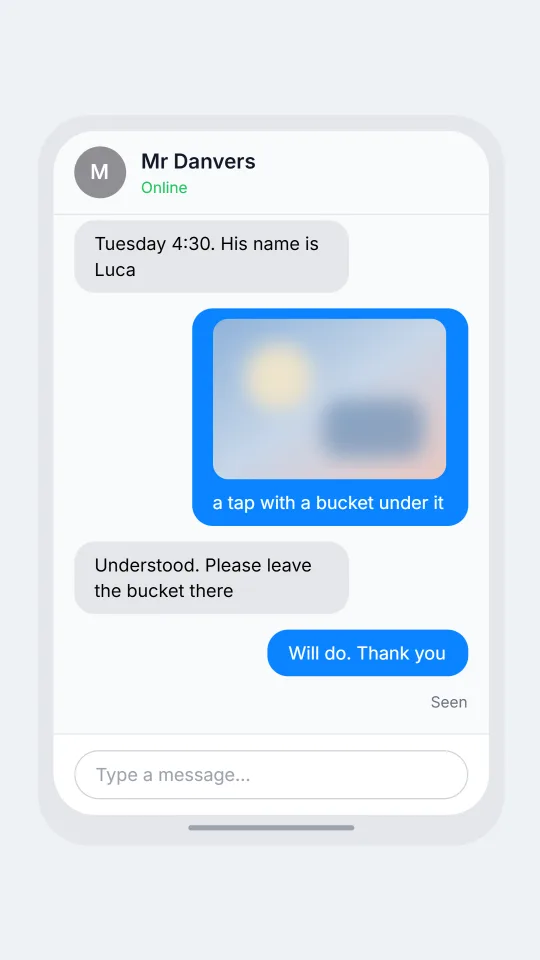
    An Android style text conversation between a tenant and a landlord about a leaking kitchen tap
    The leak that gets fixed on Tuesday
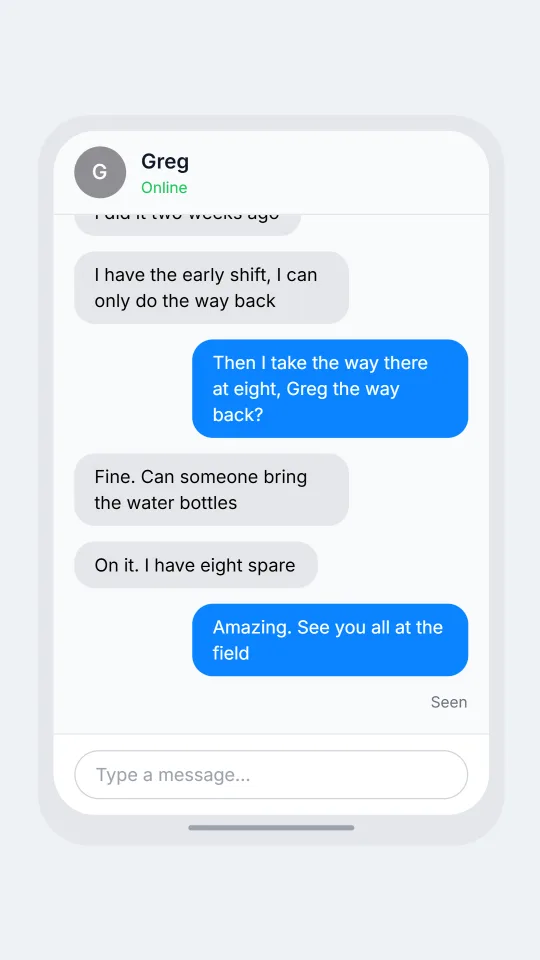
    An Android style text group about a Sunday football carpool where the parents argue about whose turn it is
    Sunday carpool who drives
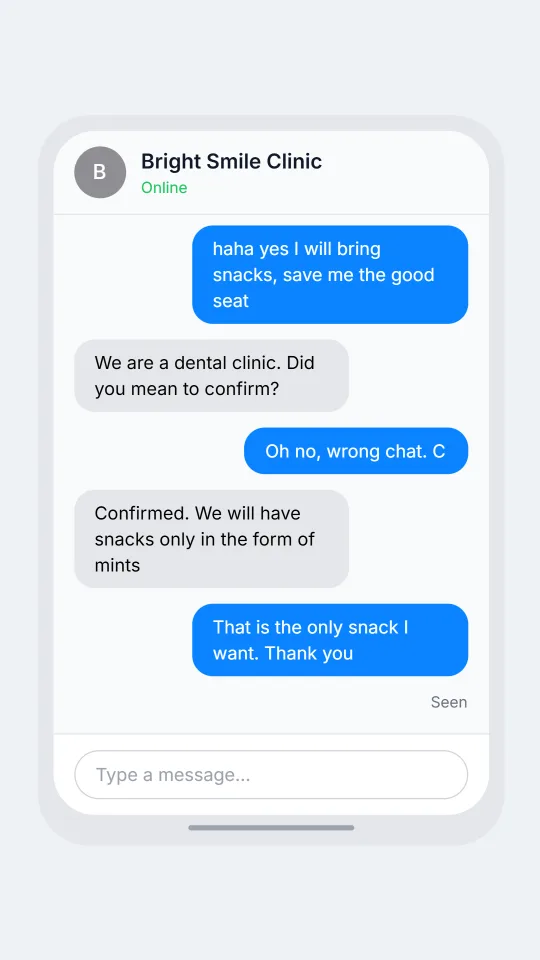
    An Android style chat where a dental clinic reminder gets an accidental reply meant for a friend
    Reply to the wrong thread
    Make one now

    Writing a Google Messages-style chat that feels right

    Plain texting on a phone's built-in app is the channel for things that are too small for a social network and too urgent for email. A dentist moves an appointment, a landlord promises someone will come Tuesday, a sibling asks whether anyone remembered the bins. Messages are brief, punctuated properly more often than in other apps, and often start with a name or a polite hello because the sender may not be saved as a contact.

    A convincing mock-up leans on that practical tone. Write short logistical lines, include a time or an address, and let one person take a long while to answer. The look supports delivery and read marks, quoted replies, emoji reactions and photo placeholders, so you can show a repair photo or a confirmed booking. Pair it with the Android phone frame in the device settings to make the screen feel at home.

    ChatsRat uses its own neutral layout here. It draws no logos, no copied icons and no company artwork, and it is not affiliated with or endorsed by Google or any phone maker. That makes the pages suitable for fiction, onboarding screens, customer service training and interface mock-ups where the messages are invented and labelled as examples.

    Three examples to start from

    The leak that gets fixed on Tuesday

    A tenant and landlord agree on a repair visit for a dripping kitchen tap.

    Hollis: Hello Mr Danvers, this is Hollis from flat 3. The kitchen tap is dripping again
    Mr Danvers: Thanks for telling me. I will send a plumber
    Hollis: Could it be after 4pm? I work until then
    Mr Danvers: Tuesday 4:30. His name is Luca
    Hollis: [photo: a tap with a bucket under it]
    Mr Danvers: Understood. Please leave the bucket there
    Hollis: Will do. Thank you
    Open this example in the editor

    Sunday carpool who drives

    Adults sort out whose turn it is to drive the Sunday football carpool.

    Rhea: Quick check: who has the Sunday football run?
    Greg: I did it two weeks ago
    Simone: I have the early shift, I can only do the way back
    Rhea: Then I take the way there at eight, Greg the way back?
    Greg: Fine. Can someone bring the water bottles
    Simone: On it. I have eight spare
    Rhea: Amazing. See you all at the field
    Open this example in the editor

    Reply to the wrong thread

    A clinic reminder gets a reply meant for a friend, and the receptionist handles it kindly.

    Bright Smile Clinic: Reminder: your cleaning is tomorrow at 9:15. Reply C to confirm
    Nikhil: haha yes I will bring snacks, save me the good seat
    Bright Smile Clinic: We are a dental clinic. Did you mean to confirm?
    Nikhil: Oh no, wrong chat. C
    Bright Smile Clinic: Confirmed. We will have snacks only in the form of mints
    Nikhil: That is the only snack I want. Thank you
    Open this example in the editor

    See the first example play as a video

    What is included in this look

    • Rounded bubbles in your colour. Your messages sit on the right in the colour set for your character and the other person's in light grey, each with soft rounded corners and no extra decoration.
    • Android phone frame. Choose the Android device option and the thread is wrapped in a narrow handset outline with rounded corners and a home bar, which fits the look of a built-in text app.
    • Time labels between bursts. A small centred time label shows whenever five minutes or more pass between messages, so a reply that arrives the next morning is obvious at a glance.
    • Seen label and typing dots. If read receipts are on and the last bubble is yours and read, a Seen note appears under it, while three bouncing dots in a grey bubble show a reply being written.
    • Photos, quotes and reactions. Attach a photo, quote an earlier line in a tinted box above the reply, or add emoji reactions in small chips below a bubble to confirm something without typing.
    • Calls and notifications. Script beats cover a missed or ringing call in an Android style screen, a lock screen notification, a voice note with transcript and a deleted message, all inside the same thread.

    Questions

    Is the Google Messages look free?

    No, it needs the Standard plan. The Free plan has a smaller set of looks. If you are just exploring, draft your script on a free look and swap to this one later, because the lines stay the same.

    Does it draw carrier banners or verified sender badges?

    No. It is a neutral Android style layout, so there are no carrier banners, verified sender badges, link cards or encryption notices drawn. You can still describe those things in the dialogue if the scene requires them.

    How do I make it look like it is on an Android phone?

    In the device settings choose Android. The thread is then framed in a slim phone shape. Choose plain or desktop if you want only the conversation, which is handy for slides or documentation.

    Is this a screenshot of a real app?

    No. It is an original ChatsRat drawing with no logos, and it is not affiliated with or endorsed by Google. Use it as a style illustration, not as an image of any real phone or account.

    What are fake text threads wrong to use for?

    Faking proof of a promise, a payment or a threat is wrong, as is impersonating a bank, a landlord or a company to fool someone. Use made-up names and keep the purpose training, fiction or design.

    Simulated screens only. Not affiliated with Google Messages. ChatsRat draws its own original screens and uses no logos.