ChatsRat

    Fake Snapchat chat generator

    This is the bubble-free chat: every line is plain text under a small coloured name label, red for you in capitals and blue for the friend, with a thin bar beside the words. Status words such as Delivered and Opened sit below your last line, and a round camera button waits at the bottom. Perfect for streak and snap-reply scenes.

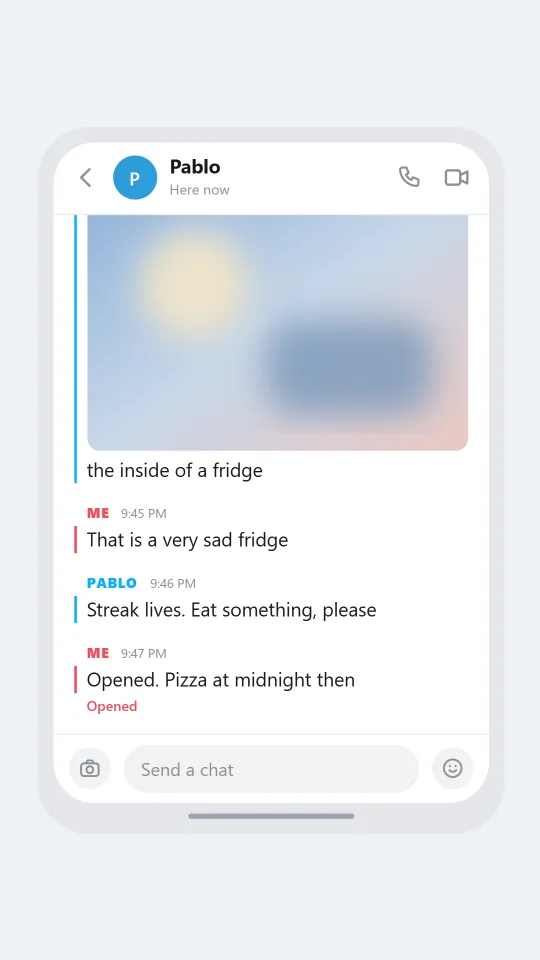
    A Snapchat-style chat with red and blue labels where two roommates scramble to keep a daily streak alive
    A streak saved with seconds left
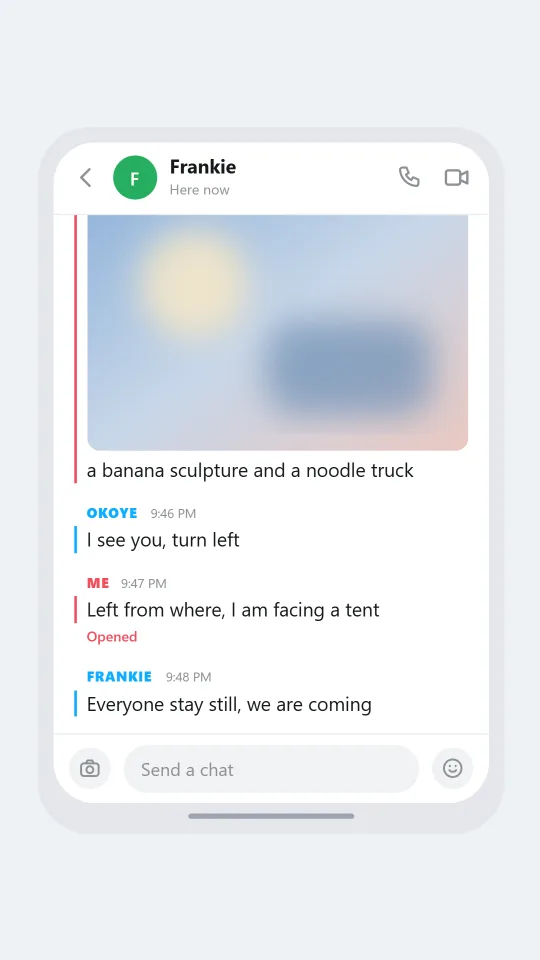
    A Snapchat-style chat between friends trying to find each other at a crowded outdoor music festival
    Where are you, at the festival
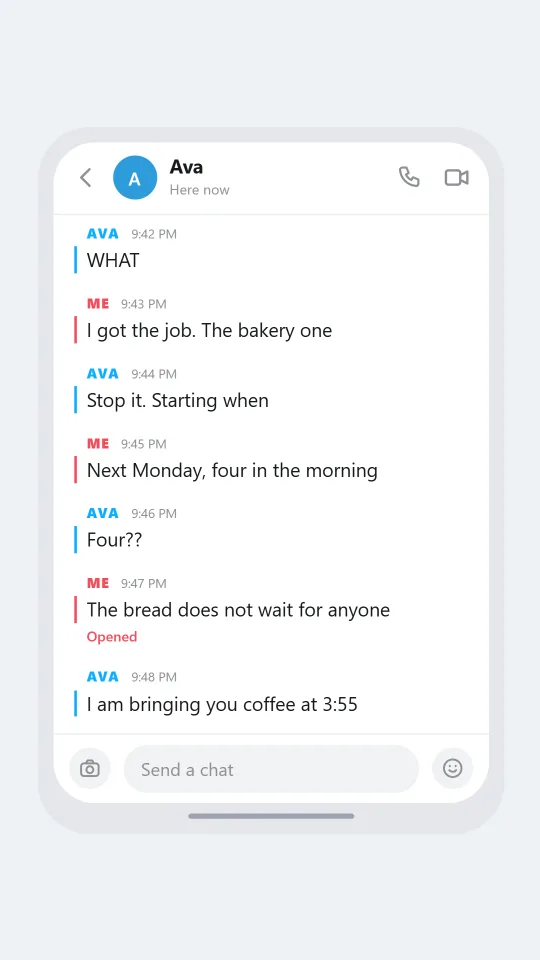
    A Snapchat-style chat where one friend shares a small piece of exciting news about a new job
    Reply to a snap, tiny news
    Make one now

    Writing a Snapchat-style chat that feels right

    Chat in this style is a side channel to pictures. People mostly swap quick photos and videos, and the text thread is where the small talk happens between snaps: a reply to a silly face, a question about plans, a reminder to open something before it vanishes. The tone is young, informal and fast, with abbreviations, repeated letters and emoji doing as much work as words. Write lines that sound typed one handed in a corridor.

    The visual signature is the absence of speech bubbles. Instead of a rounded shape, each block of messages starts with a tiny label in capital letters, your own in red and the friend's in blue, and the lines below hang from a thin vertical rule of the same colour. A grey time next to the label and one word under your last line, Delivered or Opened, finish the scene. That restraint is why the style is easy to recognise even when shrunk to a thumbnail.

    ChatsRat creates its own artwork for this look. There is no ghost mascot, no logo and no borrowed icon, and the page is not affiliated with or endorsed by the company that built the app. Use it for fiction, social media safety lessons, comedy sketches and interface studies in which every person in the chat is invented.

    Three examples to start from

    A streak saved with seconds left

    Two roommates in a rush to keep a daily picture streak going before midnight.

    Jade: Did you send mine today
    Pablo: I forgot, it is 11:52
    Jade: Take a picture of anything
    Pablo: [photo: the inside of a fridge]
    Jade: That is a very sad fridge
    Pablo: Streak lives. Eat something, please
    Jade: Opened. Pizza at midnight then
    Open this example in the editor

    Where are you, at the festival

    Friends try to find each other near the second stage at a loud festival.

    Dani: Where are you guys
    Frankie: Near the big banana
    Okoye: The banana is huge, there are three
    Frankie: The one by the noodle truck
    Dani: [photo: a banana sculpture and a noodle truck]
    Okoye: I see you, turn left
    Dani: Left from where, I am facing a tent
    Frankie: Everyone stay still, we are coming
    Open this example in the editor

    Reply to a snap, tiny news

    A friend shares news about a new job in the middle of a normal Tuesday.

    Corin: ok I have news and I cannot hold it in
    Ava: WHAT
    Corin: I got the job. The bakery one
    Ava: Stop it. Starting when
    Corin: Next Monday, four in the morning
    Ava: Four??
    Corin: The bread does not wait for anyone
    Ava: I am bringing you coffee at 3:55
    Open this example in the editor

    See the first example play as a video

    What is included in this look

    • Labels instead of bubbles. Each run of messages begins with a small uppercase label, Me in red or the friend's name in blue, and the lines under it carry a matching thin bar on their left.
    • Time beside the label. A small grey time such as 7:42 PM appears next to the label at the start of every block, so you can show quick banter or a long gap between blocks.
    • Delivered, Opened or Sending. Turn on read receipts and the last line you sent shows a status underneath: Sending, Delivered, or Opened in red once you mark the message as read.
    • Header with typing state. The top bar holds a round avatar, the friend's name and a line that says Chat, or Here now when they are online, or typing when the typing indicator is on, plus phone and video icons.
    • Camera and smile bar. At the bottom a round camera button sits left of a Send a chat field and a round smile button on the right, matching the way the app invites you to reply with a picture.
    • Photos, calls and notifications. Add a photo placeholder under a line, a voice note, a missed call that takes over the screen or a lock screen alert as beats in the script.

    Questions

    Which plan unlocks the Snapchat look?

    It requires the Standard plan, because the Free plan only includes a smaller group of chat styles. You can write the script on a free look first and change the look when you are ready.

    Why are there no bubbles?

    Because the style does not use them. Messages are plain lines under coloured name labels with a thin bar beside them. If you want bubbles, pick a look such as WhatsApp, Messenger or iMessage instead.

    Does it support disappearing messages or streak flames?

    No. The look draws a static chat screen and does not animate vanishing text or show streak counts or snap scores. If your story needs them, mention them in the dialogue or add a caption in the video editor.

    Does it use the app's ghost logo?

    No. Everything is drawn by ChatsRat, without the mascot or any brand art, and the page is not affiliated with or endorsed by Snap or the app it resembles. It is an illustration in a similar visual style.

    What should these chats never be used for?

    Do not fake a thread to shame, bully or accuse anyone, do not stage it as evidence, and keep minors out of any romantic or conflict scene. Use invented adults and obvious fiction.

    Simulated screens only. Not affiliated with Snapchat. ChatsRat draws its own original screens and uses no logos.