ChatsRat

    Fake Telegram chat generator

    This look draws a Telegram-style chat: a soft landscape-tinted wallpaper, rounded bubbles with the time and check marks tucked inside, a coloured stripe on quoted replies, reaction pills under messages and a header that says online, last seen or typing. Built for channel-admin stories, developer humour and tech thrillers.

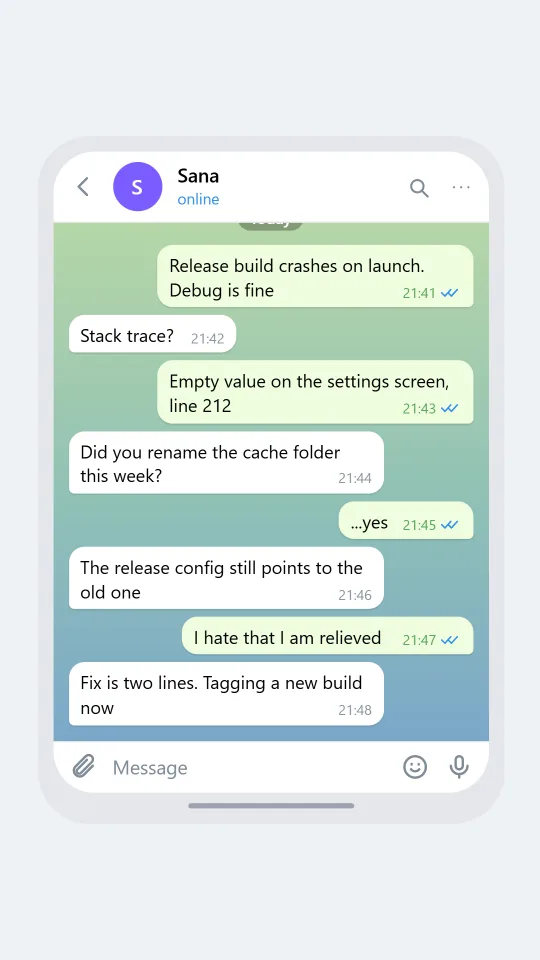
    A Telegram-style chat between two developers tracing a crash in a release build late at night
    A bug report at midnight
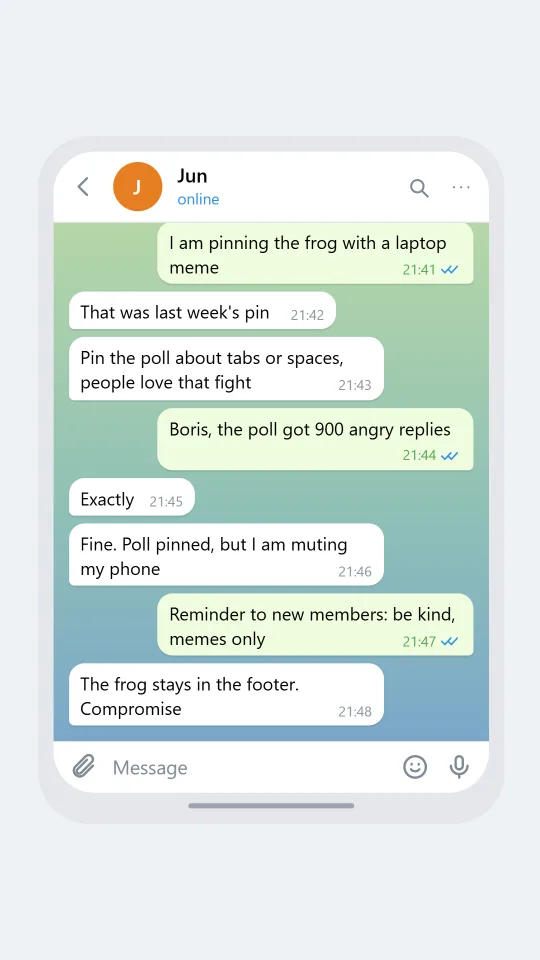
    A Telegram-style chat where two admins of a meme community argue about which post to pin
    Admins argue about pinned post
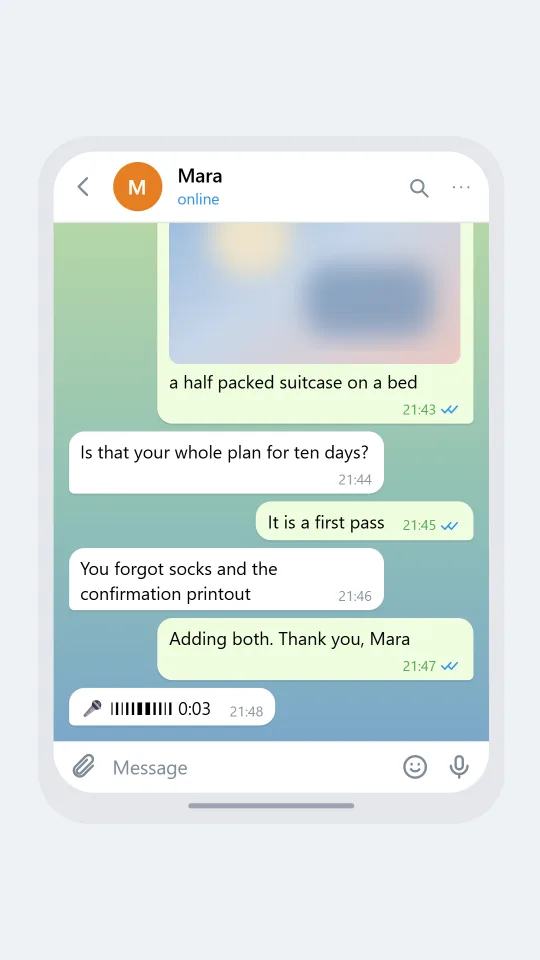
    A Telegram-style chat where a traveller sends themselves packing reminders and a friend replies at the end
    Notes to self and a rare answer
    Make one now

    Writing a Telegram-style chat that feels right

    People here tend to be power users. Chats are pinned, folders are sorted, and half the conversations are with bots, saved notes to self or communities full of memes and links. The tone is direct and a little nerdy: files get forwarded, replies quote the exact sentence being answered, and nobody apologises for sending a long paragraph. For a convincing mock-up, give your characters a reason to share links, quote each other and talk in compact technical bursts.

    Visually the giveaway is the time stamp inside the bubble, set in the 24 hour clock, followed by one or two small check marks that turn a cooler colour when read. Outgoing bubbles are pale green on the light theme and deep blue on the dark one. A reply is shown as a thin coloured bar with the name in bold above the quoted line. Reactions appear as little pills with a count beneath the bubble, not stuck onto its corner.

    ChatsRat draws this screen on its own, with original icons and no logos, and it is not affiliated with or endorsed by the company that makes the messaging app. The output is an illustration of a style for fiction, tutorials, screen recordings of imaginary projects and design explorations, never a copy of a real person's account.

    Three examples to start from

    A bug report at midnight

    Two developers chase a crash that only appears in the release build.

    Vik: Release build crashes on launch. Debug is fine
    Sana: Stack trace?
    Vik: Empty value on the settings screen, line 212
    Sana: Did you rename the cache folder this week?
    Vik: ...yes
    Sana: The release config still points to the old one
    Vik: I hate that I am relieved
    Sana: Fix is two lines. Tagging a new build now
    Open this example in the editor

    Admins argue about pinned post

    Two admins of a meme community fight over what deserves to be pinned this week.

    Kasia: I am pinning the frog with a laptop meme
    Jun: That was last week's pin
    Boris: Pin the poll about tabs or spaces, people love that fight
    Kasia: Boris, the poll got 900 angry replies
    Boris: Exactly
    Jun: Fine. Poll pinned, but I am muting my phone
    Kasia: Reminder to new members: be kind, memes only
    Boris: The frog stays in the footer. Compromise
    Open this example in the editor

    Notes to self and a rare answer

    A traveller uses a chat as a packing list, then a friend interrupts with a very practical reminder.

    Elio: Passport, charger, the green notebook
    Elio: Buy the adapter. The two pin kind
    Elio: [photo: a half packed suitcase on a bed]
    Mara: Is that your whole plan for ten days?
    Elio: It is a first pass
    Mara: You forgot socks and the confirmation printout
    Elio: Adding both. Thank you, Mara
    Mara: [voice: also check the weather before you bring only shorts]
    Open this example in the editor

    See the first example play as a video

    What is included in this look

    • Wallpaper and tail bubbles. A gradient wallpaper sits behind rounded bubbles, and the last bubble of each run gets a tighter tail corner, with pale green outgoing bubbles in light mode and deep blue ones in dark mode.
    • Time and checks inside the bubble. Each message carries a small 24 hour time at its lower right, and your own messages add one check, or two when delivered, turning blue when read.
    • Status line with typing. Under the contact name the header reads online, last seen recently or last seen a long time ago, and it switches to typing while the typing indicator is on.
    • Coloured reply quote. A reply is drawn as a thin accent bar with the quoted sender's name in bold and a single truncated line of their earlier message inside the bubble.
    • Reaction pills with counts. Emoji reactions appear as small rounded pills below the bubble, and a count shows beside the emoji whenever more than one person used it.
    • Search, attach and microphone bar. The header has search and more icons, the bottom bar holds an attach clip, a Message field, a smile and a microphone, and a day pill labels the top of the thread.

    Questions

    Is a Telegram-style chat available on the Free plan?

    Not on Free. This look needs the Standard plan, which opens up the rest of the chat styles beyond the free set. If you only want to test the editor first, start with one of the free looks and switch later.

    Why are the times in 24 hour format?

    That is how this look draws them, for example 14:05 rather than 2:05 PM, because it follows the habit of the style. If you pick relative timestamps in settings, the labels change to wording like a few minutes ago instead.

    Can I show a channel or a bot conversation?

    The look draws a one to one style thread with a header and bubbles. You can name your contact something like a bot or a channel and write the replies accordingly, but there are no menus, buttons or channel banners drawn.

    Is this the real app or a copy of it?

    Neither. ChatsRat creates its own original screen in the style, with no logos, and the page is not affiliated with or endorsed by Telegram or its owners. It is meant for stories, teaching and mock-ups.

    What should I never do with a fake chat?

    Do not pass it off as evidence, do not impersonate a real group admin or developer, and do not use it to spread a hoax, phishing bait or a scam. Keep names invented and the intent obvious.

    Simulated screens only. Not affiliated with Telegram. ChatsRat draws its own original screens and uses no logos.