Writing a YouTube comments-style chat that feels right
Video comments have their own genres. There is the person who arrived from a different video entirely, the one who timestamps a single second as proof of greatness, the grandparent writing a full sincere letter, and the pinned remark from the creator that settles an argument. A believable mock-up mixes at least three of those voices rather than writing ten reviewers.
Handles matter more than names. People appear as lowercase handles with an at sign, often a hobby plus a number, and that is how viewers recognise them across a thread. Replies tend to be shorter and sharper than the comment above, and a sincere comment will often collect a reply that is purely a joke about a detail in the video.
Write about something small and kind, such as a bread rescue or a repaired bicycle, and let the comments do the emotional work. ChatsRat draws this panel in its own style without logos or channel artwork, and it is not affiliated with or endorsed by YouTube. The viewer count and ages on screen are placeholders, while the like counts come from your script.
Three examples to start from
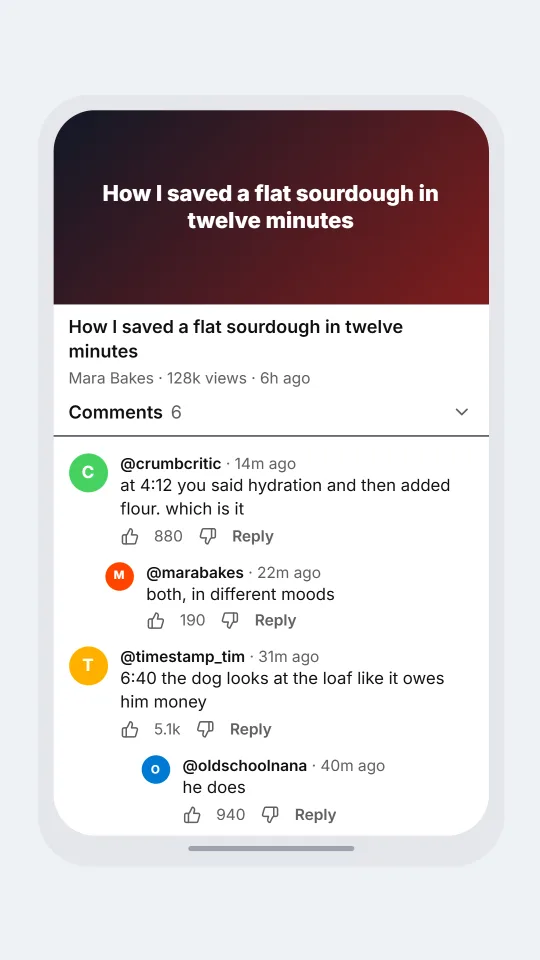
A collapsed loaf and a wise comment
A cooking video collects every comment genre: the grandparent, the pedant, the timestamp and the one-word joke.
POST Mara Bakes: How I saved a flat sourdough in twelve minutes | A quick fix for the loaf that looked like a plate.
> oldschoolnana (2400): My late husband baked one just like this every Sunday. Thank you for the memory, dear.
>> Mara Bakes (310): That is the nicest thing I have read all week, thank you
> crumbcritic (880): at 4:12 you said hydration and then added flour. which is it
>> Mara Bakes (190): both, in different moods
> timestamp_tim (5100): 6:40 the dog looks at the loaf like it owes him money
>>> oldschoolnana (940): he does
Open this example in the editorA bicycle repair that goes right
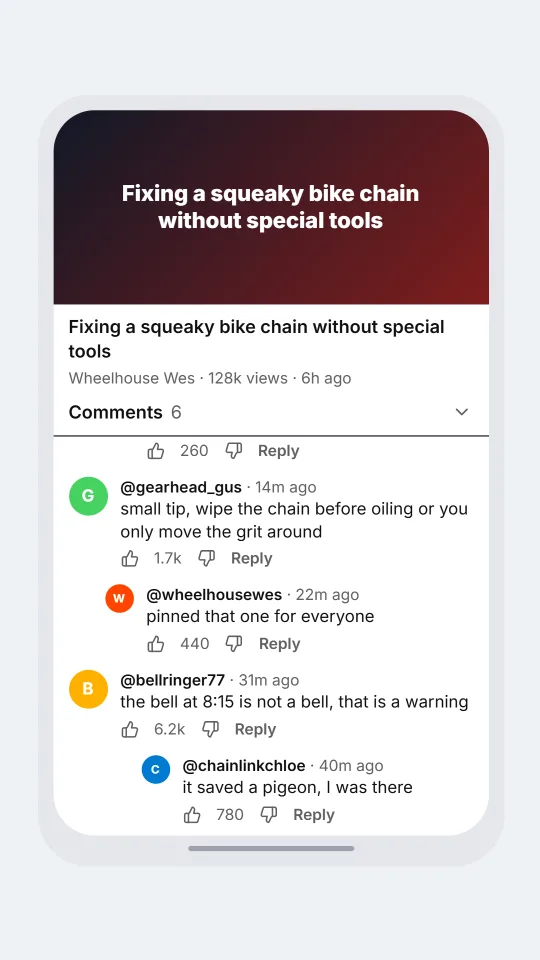
A tutorial with a patient community: a safety tip, a proud confession and a running joke about a very loud bell.
POST Wheelhouse Wes: Fixing a squeaky bike chain without special tools | Ten minutes, one rag, and a rescued commute.
> chainlinkchloe (3300): Fixed mine this morning. It no longer sounds like a haunted door.
>> Wheelhouse Wes (260): haunted door is exactly what I called it in the notes
> gearhead_gus (1700): small tip, wipe the chain before oiling or you only move the grit around
>> Wheelhouse Wes (440): pinned that one for everyone
> bellringer77 (6200): the bell at 8:15 is not a bell, that is a warning
>>> chainlinkchloe (780): it saved a pigeon, I was there
Open this example in the editorA lost cat video, three weeks later
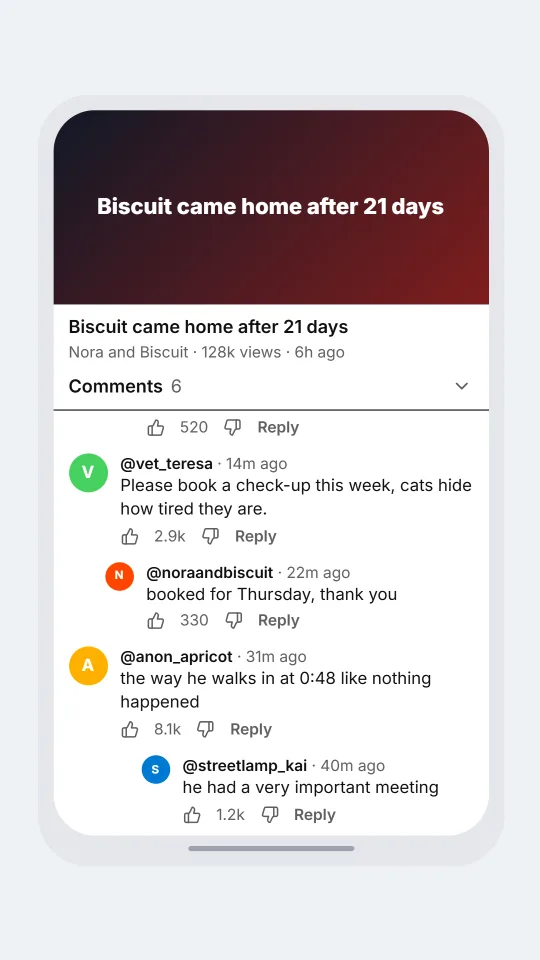
An update video where the comments turn into a small neighbourhood reunion, with one very patient cat expert.
POST Nora and Biscuit: Biscuit came home after 21 days | We checked every shed in the street and he was in the one we forgot.
> streetlamp_kai (4600): I put up three posters and I am now a retired detective
>> Nora and Biscuit (520): you were the best detective on the street
> vet_teresa (2900): Please book a check-up this week, cats hide how tired they are.
>> Nora and Biscuit (330): booked for Thursday, thank you
> anon_apricot (8100): the way he walks in at 0:48 like nothing happened
>>> streetlamp_kai (1200): he had a very important meeting
Open this example in the editorSimulated screens only. Not affiliated with YouTube comments. ChatsRat draws its own original screens and uses no logos.