ChatsRat

    Fake Gmail-style email thread generator

    An email story has two beats, and this look draws both: first an inbox with a bold new message at the top, then the opened thread with each reply in its own card. It is made in the style of Gmail, with a red Inbox label, a search pill, and Reply and Reply all buttons. Writers use it for office comedy, mystery clues and polite disasters.

    An email thread where an office manager investigates an empty biscuit tin and gets surprising confessions
    Who emptied the biscuit tin
    A building manager emails tenants about a lost umbrella and the replies slowly grow more dramatic
    A very polite lost umbrella notice
    A project email thread in which a meeting time is moved repeatedly with increasingly formal replies
    The meeting that moved three times
    Make one now

    Writing a Gmail-style email-style chat that feels right

    Email is where people perform politeness. Greetings are warm, requests are wrapped in qualifiers, and the real emotion hides in a single phrase such as per my last message. The subject line does heavy lifting, because it is all anyone reads in the inbox, so it should be specific, slightly passive and ready to be misread.

    Threads reward patience. One person replies to everyone when they meant to reply to one, another sends a cheerful correction that makes things worse, and a late message from someone nobody expected changes the mood. The pleasure for a reader is watching a small misunderstanding grow across five cards, each one a little more formal than the last.

    Write about harmless workplace life: an offsite, a printer, a shared calendar. Use invented names, and keep each message short enough to read on a phone. ChatsRat draws the inbox and thread screens itself, with no logos or product artwork, and it is not affiliated with or endorsed by Google or Gmail. The sample filler emails in the inbox are plain placeholders.

    Three examples to start from

    Who emptied the biscuit tin

    A cheerful office investigation that ends with someone replying to everyone, as always.

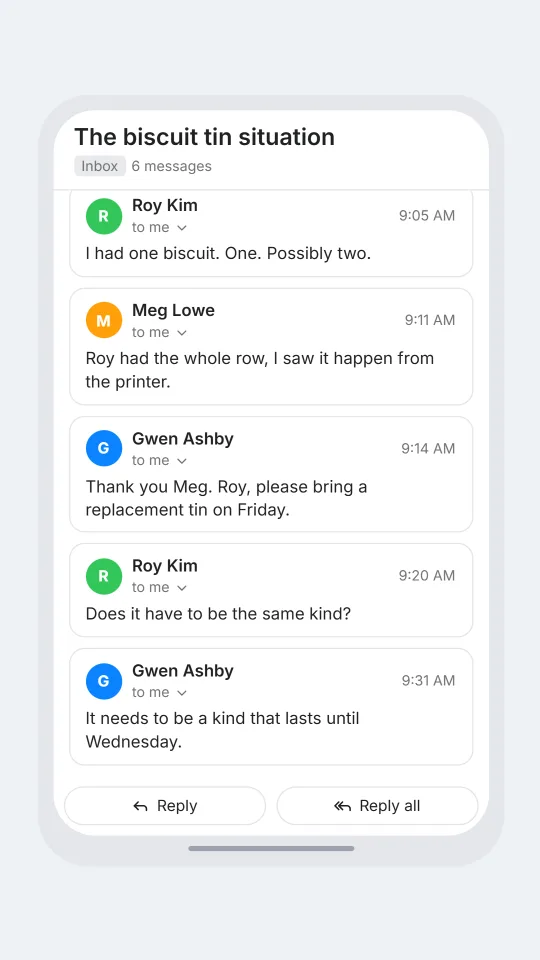
    EMAIL Gwen Ashby: The biscuit tin situation | Colleagues, the tin was full on Monday. It is now a decorative object. I am not angry, only curious.
    > Roy Kim: I had one biscuit. One. Possibly two.
    > Meg Lowe: Roy had the whole row, I saw it happen from the printer.
    > Gwen Ashby: Thank you Meg. Roy, please bring a replacement tin on Friday.
    > Roy Kim: Does it have to be the same kind?
    > Gwen Ashby: It needs to be a kind that lasts until Wednesday.
    Open this example in the editor

    A very polite lost umbrella notice

    A tenant mailing list in miniature, where a lost umbrella becomes a building-wide event.

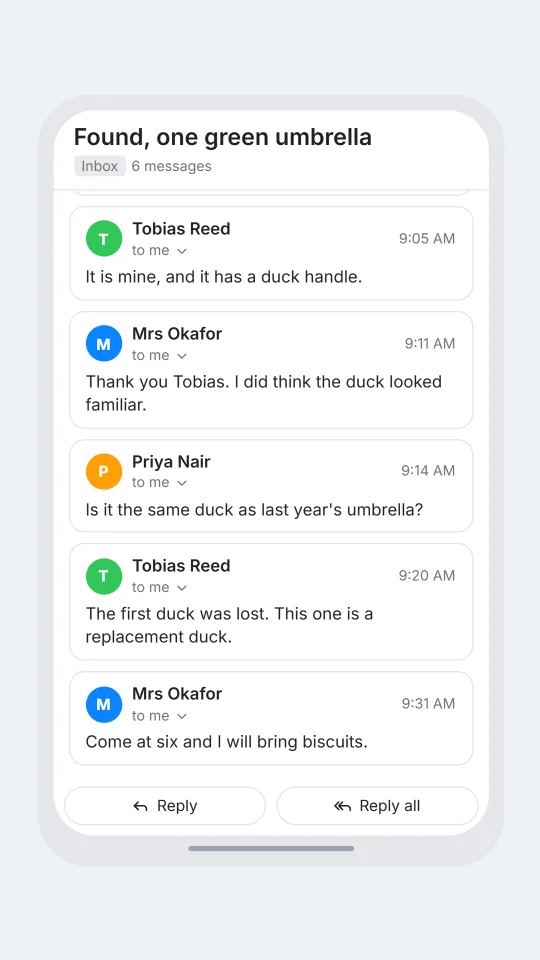
    EMAIL Mrs Okafor: Found, one green umbrella | Dear neighbours, a green umbrella was left by the lift on Tuesday. It is in my hallway. Please do come and collect it.
    > Tobias Reed: It is mine, and it has a duck handle.
    > Mrs Okafor: Thank you Tobias. I did think the duck looked familiar.
    > Priya Nair: Is it the same duck as last year's umbrella?
    > Tobias Reed: The first duck was lost. This one is a replacement duck.
    > Mrs Okafor: Come at six and I will bring biscuits.
    Open this example in the editor

    The meeting that moved three times

    A calendar tangle told in five short cards, ending on the only message that solves it.

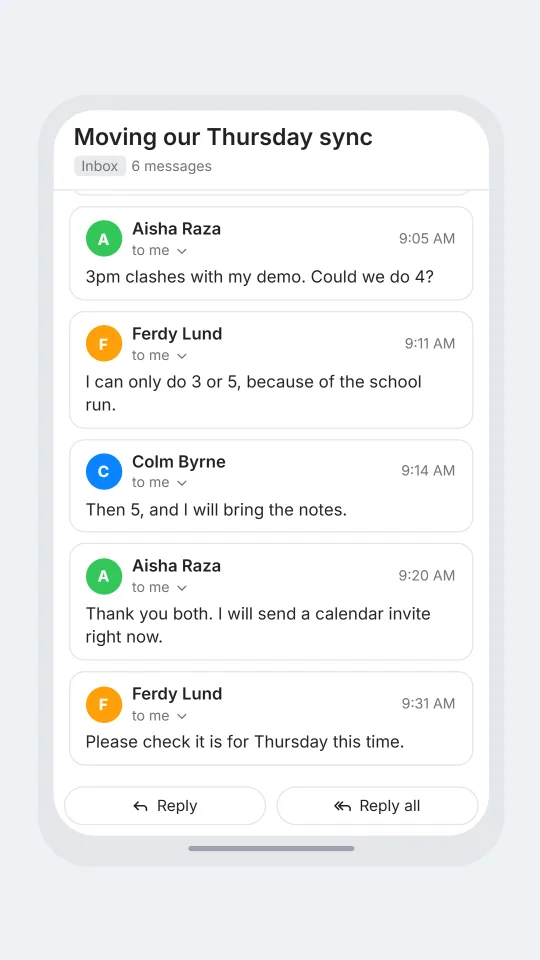
    EMAIL Colm Byrne: Moving our Thursday sync | Hi both, can we shift to 3pm? I have a dentist appointment I forgot I booked.
    > Aisha Raza: 3pm clashes with my demo. Could we do 4?
    > Ferdy Lund: I can only do 3 or 5, because of the school run.
    > Colm Byrne: Then 5, and I will bring the notes.
    > Aisha Raza: Thank you both. I will send a calendar invite right now.
    > Ferdy Lund: Please check it is for Thursday this time.
    Open this example in the editor

    See the first example play as a video

    What is included in this look

    • Inbox with a new message. The first screen shows a search pill, a red Inbox label, your new email in bold on a pale highlight with sender, subject and a trimmed preview, then three quieter filler rows.
    • Subject and body from one line. You write the opening email as a single line with the subject, a vertical bar and the body, and the look splits it into the bold subject and the message below.
    • Opened thread view. Once replies exist, the screen switches to a large subject heading, an Inbox tag, a message count and one bordered card per message in the order you wrote them.
    • Sender cards. Each card has a round avatar, the sender's name, a small line reading to me with a chevron, a time on the right and the message text below.
    • Reply buttons. At the bottom of the thread sit two rounded buttons, Reply and Reply all, which give the picture the feel of a real thread waiting for the next move.
    • Newest message stays visible. Messages are anchored to the bottom, so the latest card stays in view in a video export while older ones scroll away, as if the thread were being read live.

    Questions

    How do I write the first email?

    Start a line with EMAIL, then the sender name, a colon, the subject, a vertical bar and the body. Every later line is a reply, written as a name, a colon and the text, with an optional arrow in front.

    Is this the same as the Outlook look?

    The structure is shared, a bold inbox row and then an opened thread. The difference is the colour of the Inbox label, red here and blue there. Choose the one that matches the story's setting.

    Which plan includes it?

    It needs the Standard plan or above. The free plan covers chat-style looks, so you can learn the editor first and return when you want email scenes.

    Can I use it to fake a real email?

    No. Do not create fake messages from real companies, banks, schools or people, and do not make something meant to deceive, phish or serve as evidence. Invented senders and harmless stories only.

    Can I add attachments, labels or a signature?

    Not as drawn features. There are no attachment chips, stars or label tags beyond Inbox. You can write a signature or a mention of an attachment inside the message text, which reads naturally in a card.

    Simulated screens only. Not affiliated with Gmail-style email. ChatsRat draws its own original screens and uses no logos.